How to use Interceptly
A LightWeight extension to mock, block, and redirect API requests directly in your browser.
Network Rules
Interceptly allows you to create rules that intercept network traffic based on matching URL patterns. Our LightWeight approach ensures that everything happens locally without any cloud dependency.
Types of Rules
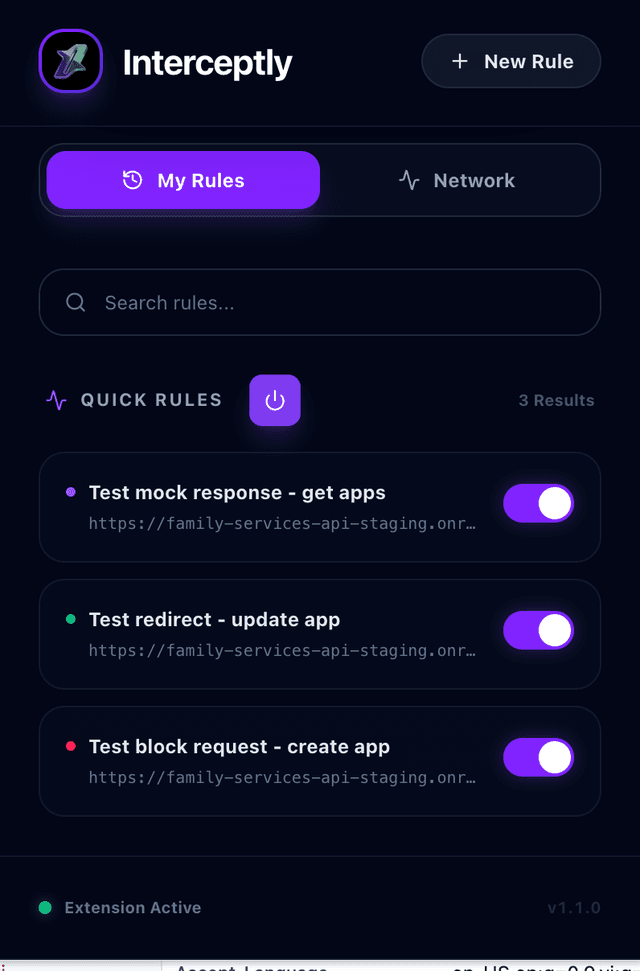
- API Mocking: Intercept a request and return a custom JSON/text response with any status code.
- API Redirect: Reroute an API request from one URL to another (e.g., redirect production API to localhost).
- API Block: Prevent specific API calls from ever reaching the server.
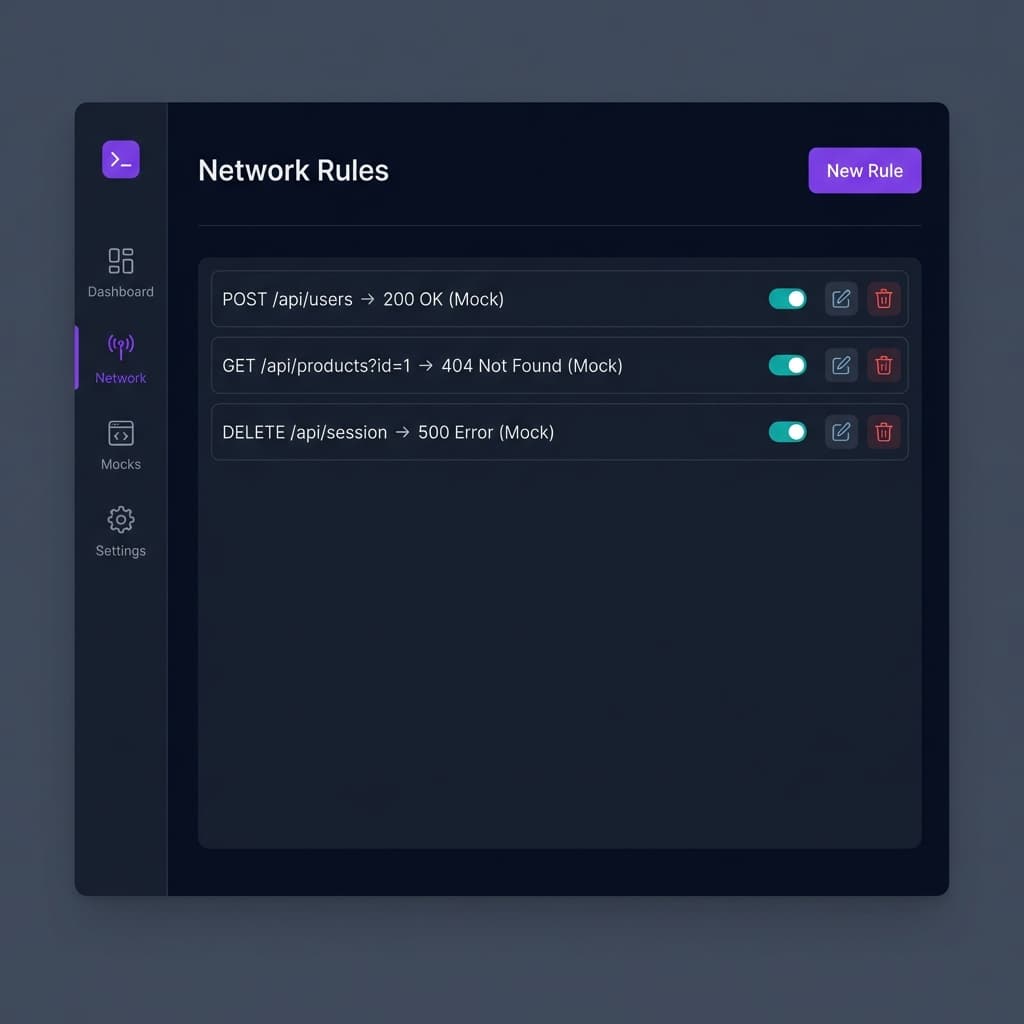
The main dashboard where you manage your active rules.
Rule Management
Toggle rules on and off with ease. Each rule can be edited or deleted individually. The interface is designed to be sleek, dark-themed, and intuitive for modern developers.
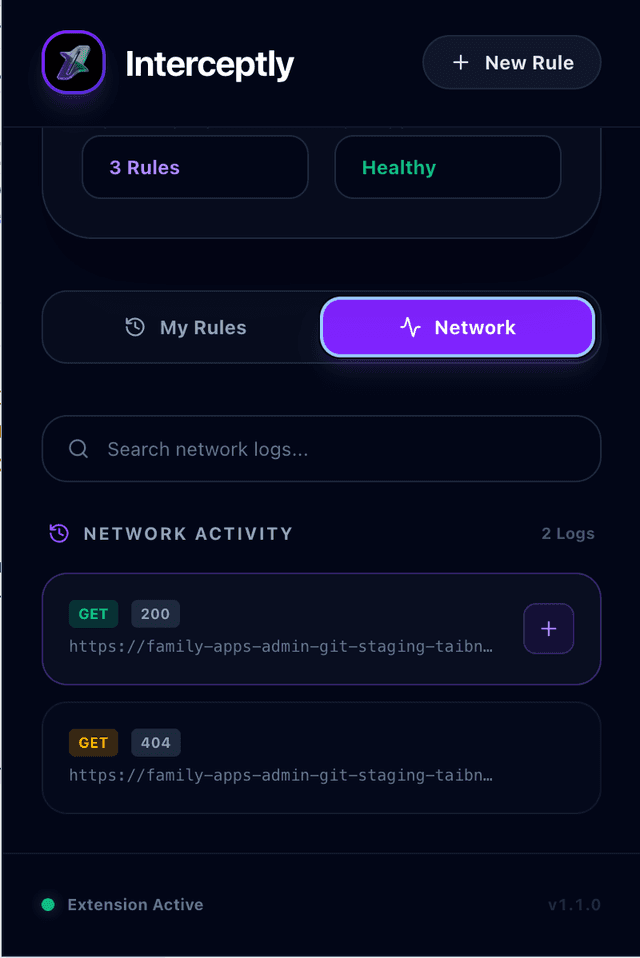
Network Activity
Monitor live traffic in real-time. See which requests are being intercepted and the resulting status codes and quick create rules.
Why Interceptly?
Traditional tools often require heavy setup or account creation. Interceptly is LightWeight: no accounts, no trackers, and it stays entirely in your browser.